
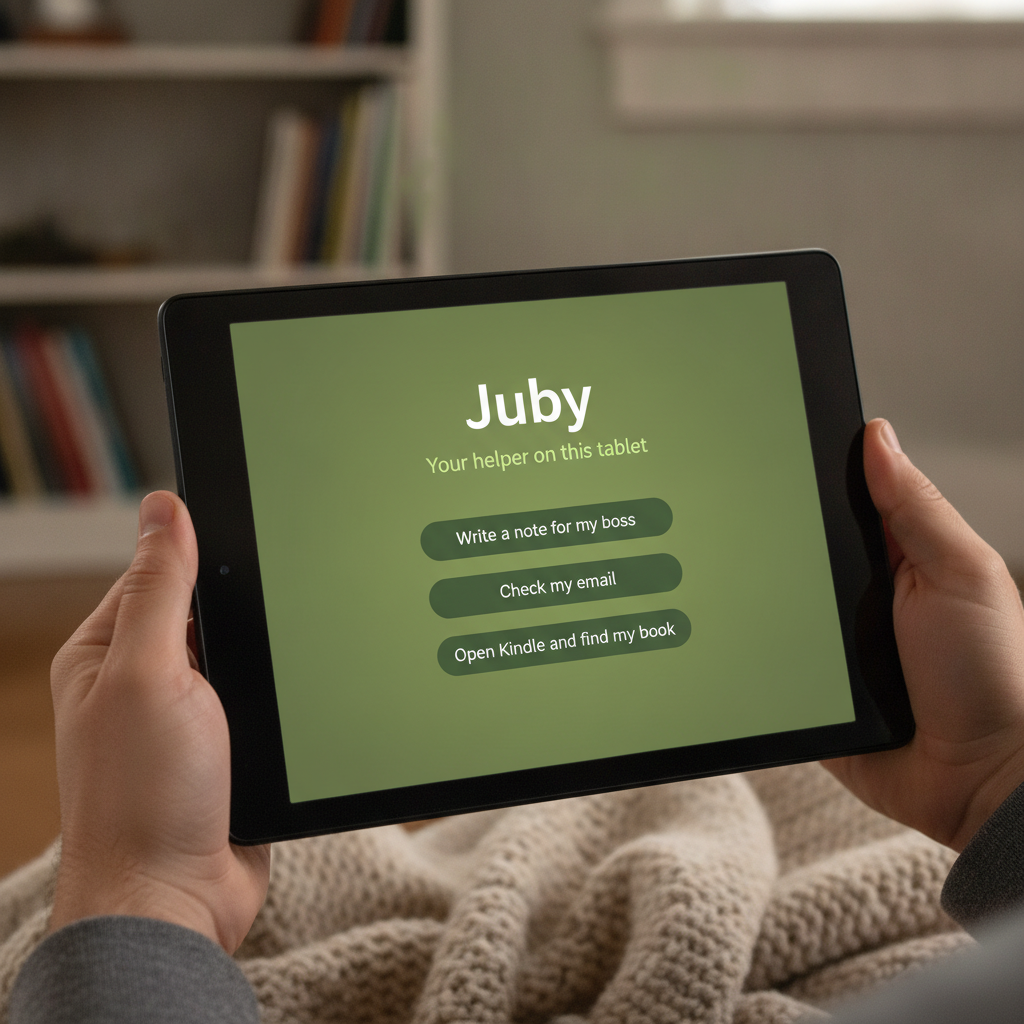
Full coworker on your tablet
Juby.
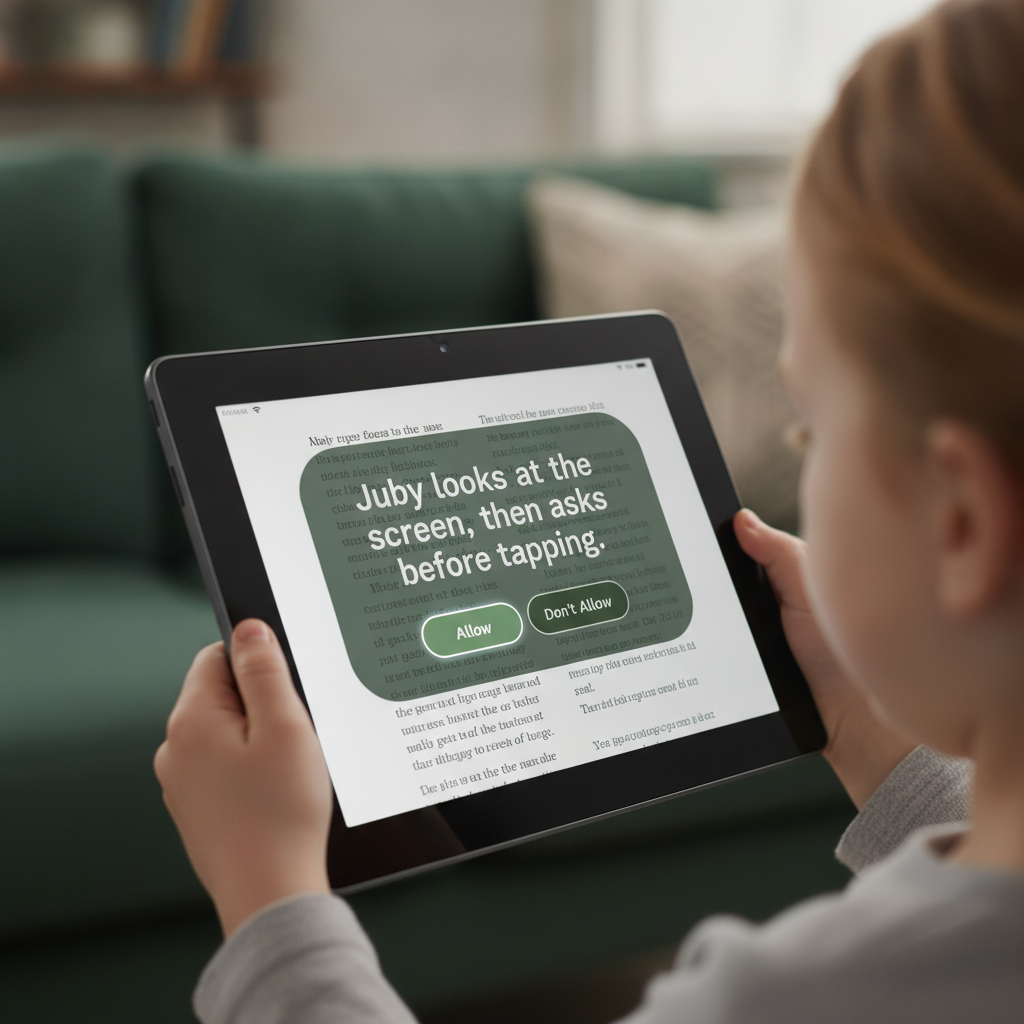
Ask on Fire HD or Samsung Galaxy Tab. Start on this tablet — no Mac required. You tap Allow before anything important.
- Start on this tablet
- Allow before send
- WhatsApp · Docs · photo→file
What it is. Juby is the full AI coworker app on your tablet — sessions, inbox, connectors, Screen Help, and Allow.
Why it exists. You’re on the couch with a Fire or Galaxy Tab while work and life still need a note, an email draft, a WhatsApp reply, a form photo filed, or a book found — without a hobby setup.
What you get. Device Agent runs on this tablet with a local brain (airplane-friendly drafts). Optional Home computer, Plus, or JubyAI Desk when you want richer hands or overnight. You always tap Allow before send or change. High school? Optional Cowork Pilot starters in the same app — prepare ≠ submit.
Who it’s for · jobs we ship for
Built for the tablet you already pick up.
-
Couch after work
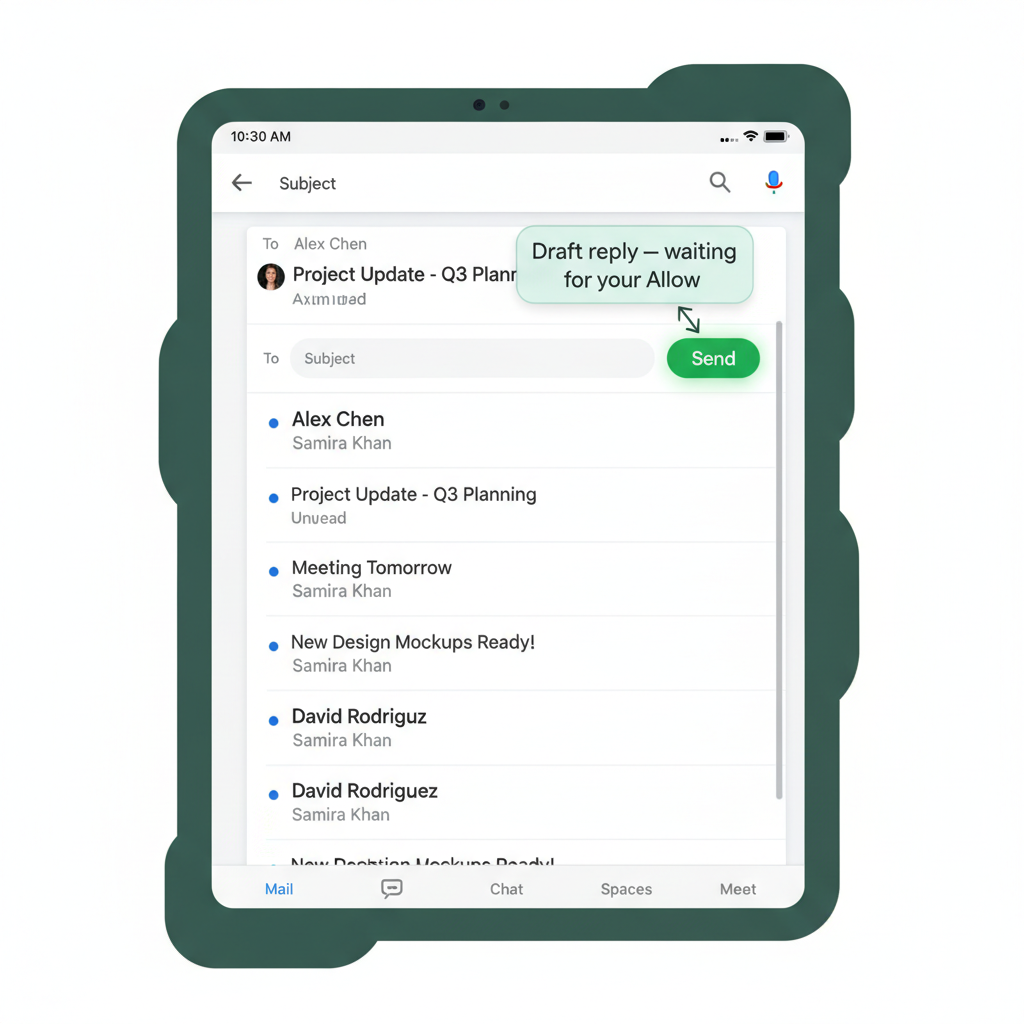
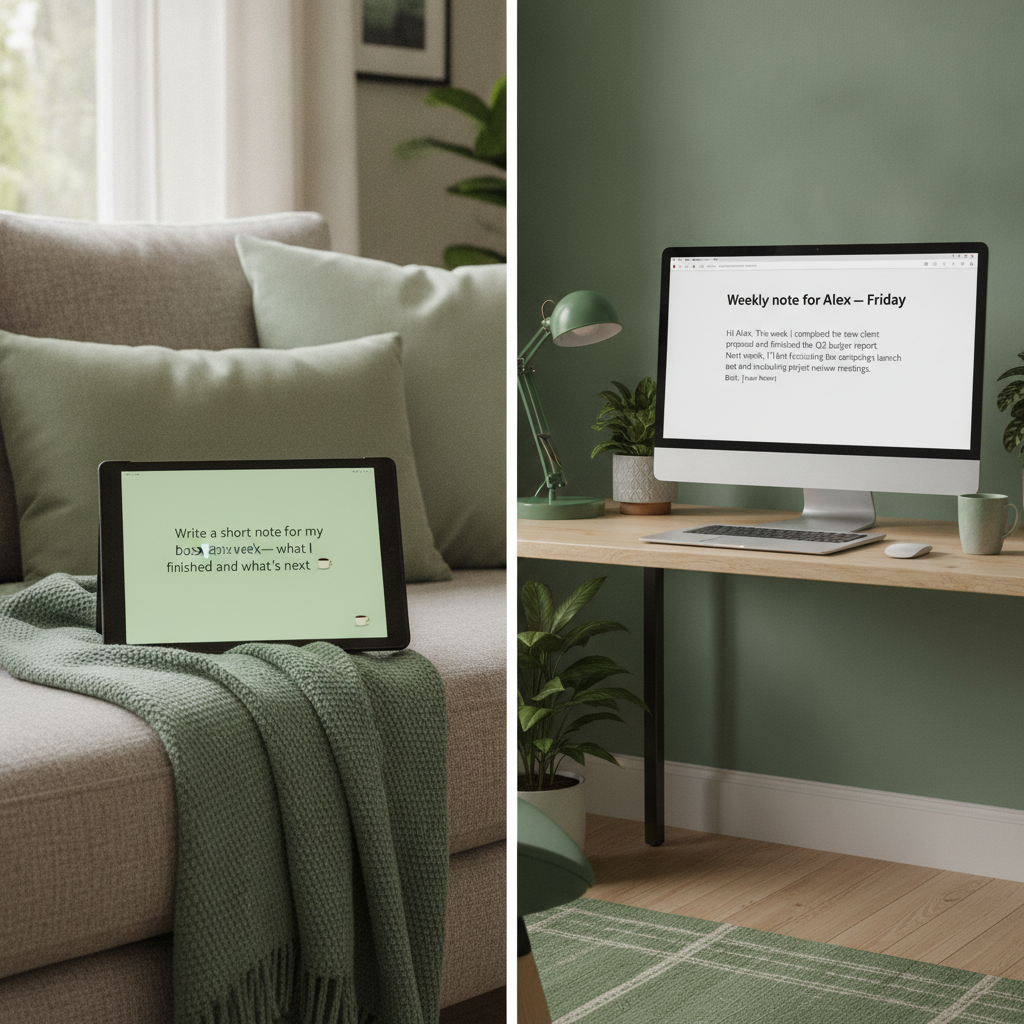
When I’m on the Fire or Samsung tablet after dinner and work still needs a short note, email draft, WhatsApp reply, calendar change, or a photo of a form filed, I want to ask in plain English and Approve before anything goes out, so I can finish without walking back to the laptop.
-
Fire household
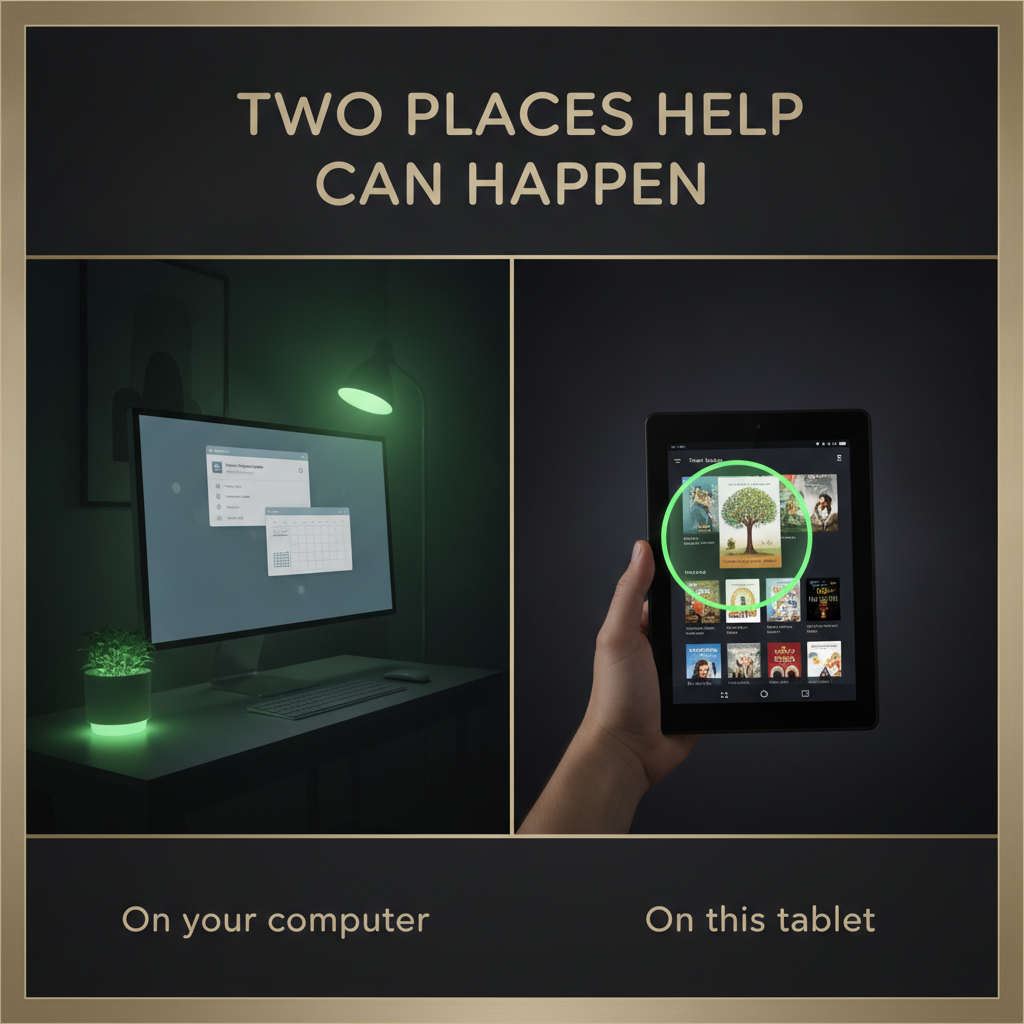
When the living-room tablet is what everyone actually uses — Kindle, school notes, life admin — I want an AI coworker that can use this tablet’s apps (Screen Help, optional) and my computer when it’s connected, so I can get small household tasks done without a hobby setup.
-
Android productivity tablet
When I paid for a Galaxy Tab–class tablet (128GB, Google Play, real camera) — even on a flight — I want Device Agent on this tablet with a local brain, Docs/Drive, WhatsApp drafts, and photo→file — so I can work without a Mac, a cloud desk, or a network for local jobs.
-
Away from home
When I’m traveling or the home computer is off, I want the same Juby asks backed by JubyAI Desk — a private cloud desk, not my home PC — so I can keep drafting under Allow without carrying a laptop.
-
Hands busy
When I’m cooking or caregiving and can’t type, I want to talk to Juby (mic or Alexa) so the ask lands as a draft, so I can review and Allow on the tablet when I’m free — voice never acts alone.
-
High school · Cowork Pilot
When I have homework, a lab, or a teacher email on my tablet (Chromebook by day), I want the same Juby coworker to draft essays, study packs, and mail — with Allow, so I can finish faster without Juby submitting for me. Parents can optional co‑Allow.
Juby is the full coworker on your tablet for adults and teens (13+): Ask → Juby prepares → you tap Allow. Start on this tablet (Device Agent). Home / Plus / Desk stay optional. Cowork Pilot is an optional school pack inside the same app — not a separate kids product. On Fire: Kindle + Screen Help + Alexa ask pipe. On Samsung-class Android: Docs, Drive, WhatsApp, camera captures, local brain, 128GB room for the work.
How Juby works · 15 slides
1 / 15
Arrow keys or space when the deck is focused Swipe sideways · tap dots
What’s in the app
Full coworker on the tablet — not a peek.
- Sessions Ask, history, artifacts on this tablet
- Device Agent Brain in the APK — start without Mac/Desk
- Local brain Nano when ready · starters always · airplane drafts
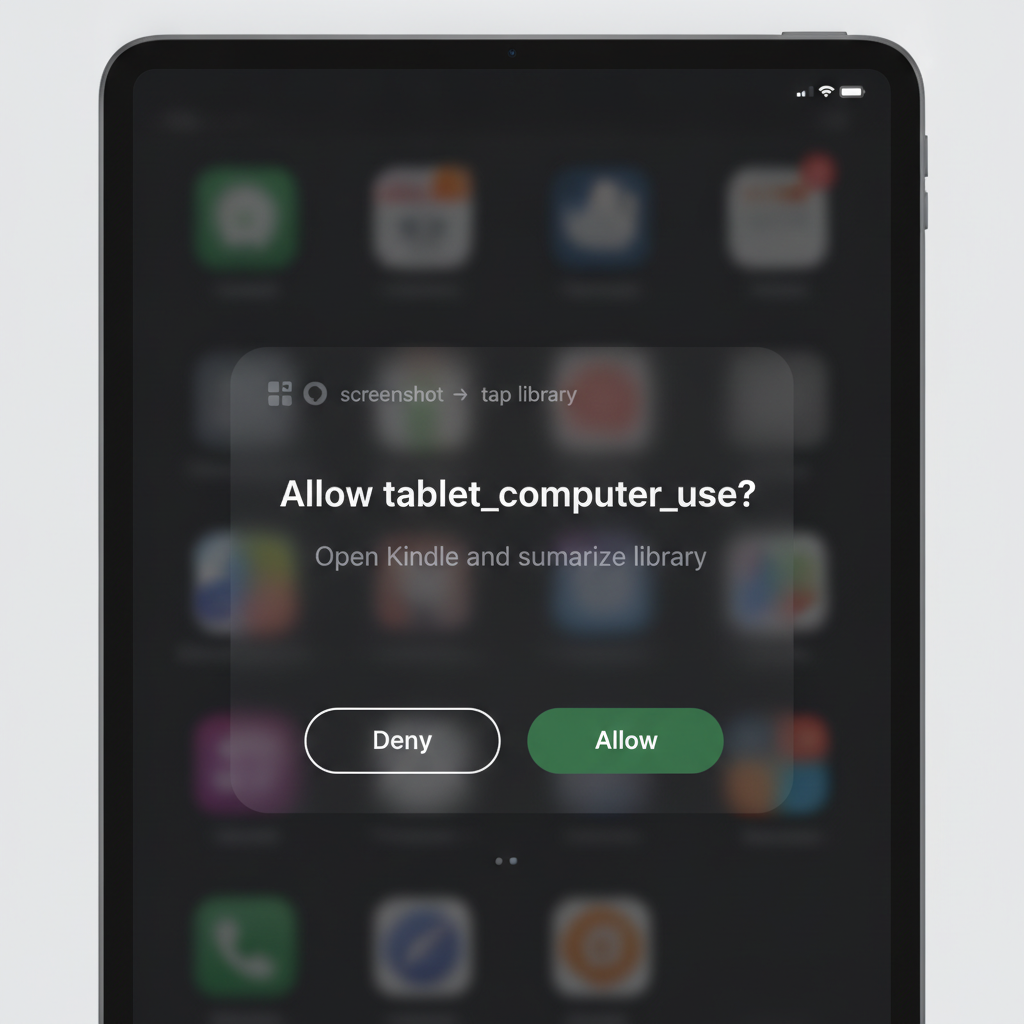
- Allow loop Nothing important without your tap
- WhatsApp / Messages Draft on the tablet · Send only after Allow
- Photo → file Form / whiteboard → tidy markdown on 128GB
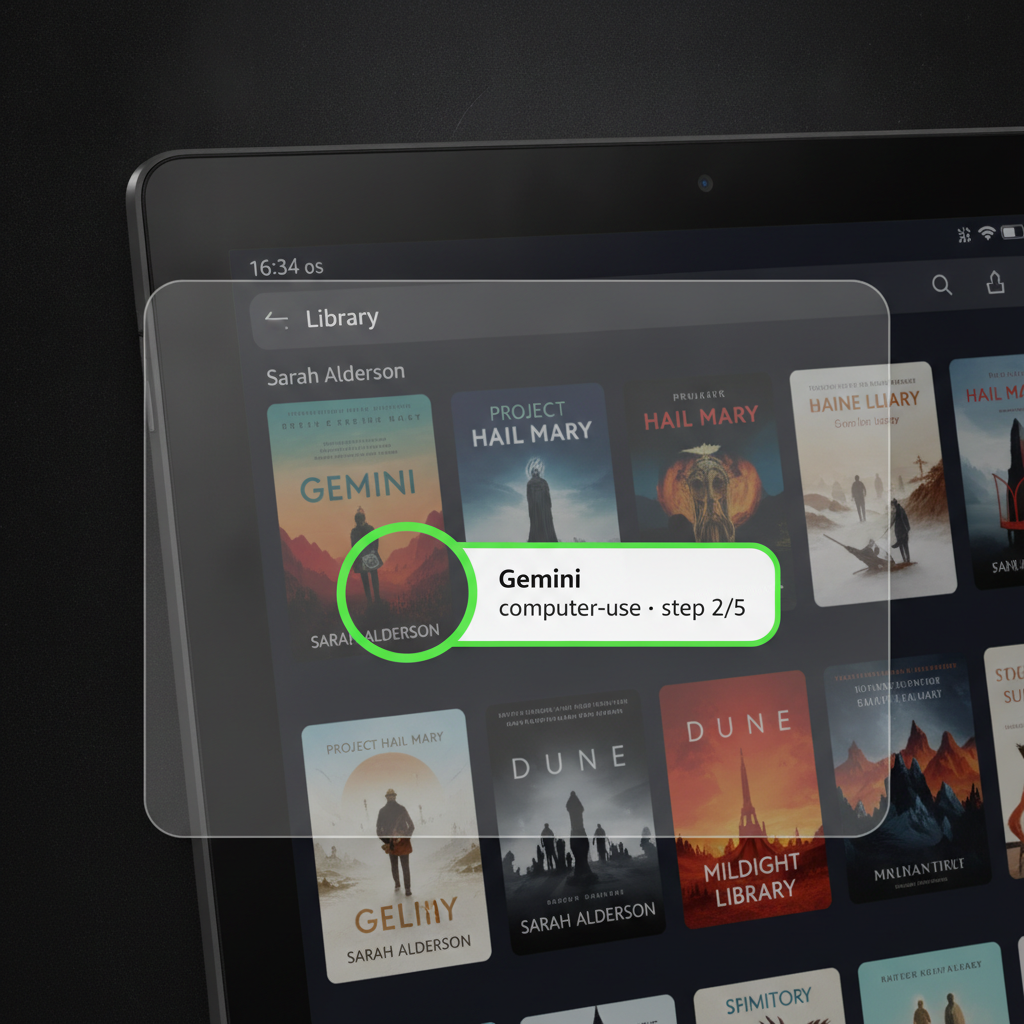
- Screen Help Kindle · Docs · Drive · Chrome · mail
- Inbox & Scheduled Approvals and automations in the menu
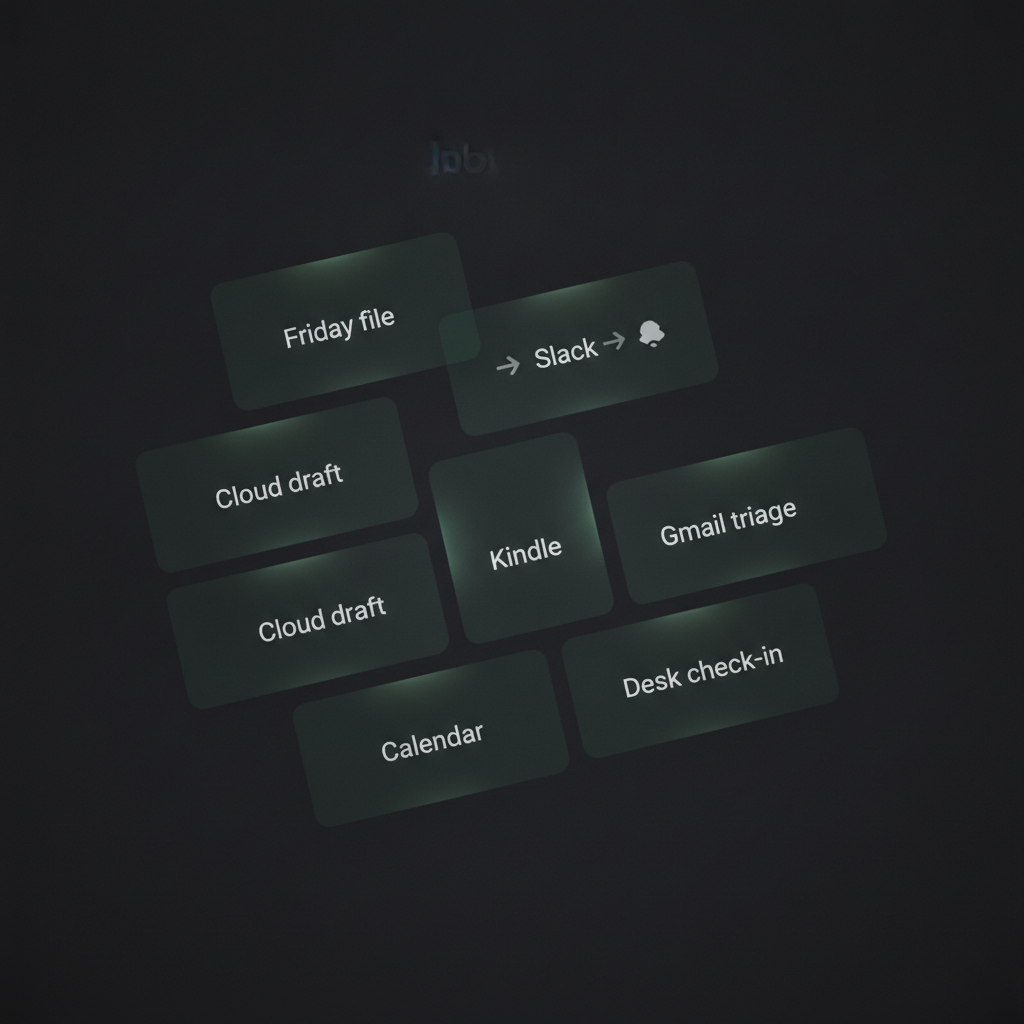
- Connectors Gmail, Calendar, Slack when the brain can reach them
- Talk to Juby Mic + Alexa ask pipe — voice never acts alone
- Home / Plus / Desk Optional extensions, not the entry gate
- Cowork Pilot Optional school pack — not the primary aha
- Privacy Local drafts stay local until you share
Talk to Juby
Type or talk. Same coworker. Same Allow.
Tap the mic in Juby and speak your ask. On Fire tablets, you can also use Alexa: say your Juby code, then what you need. The ask shows up on the tablet for you to review — voice never skips Allow.
- Mic in Juby — speak into the app; words land as a draft
- Alexa — hands-busy asks that appear on your tablet
- You’re still in charge — review, then Allow
- If voice fails — tap Stop; you stay in control and never get stuck listening
What “done” looks like
Notes. Drafts. Files on this tablet.
JubyAI Desk
Not your home computer — a private cloud desk.
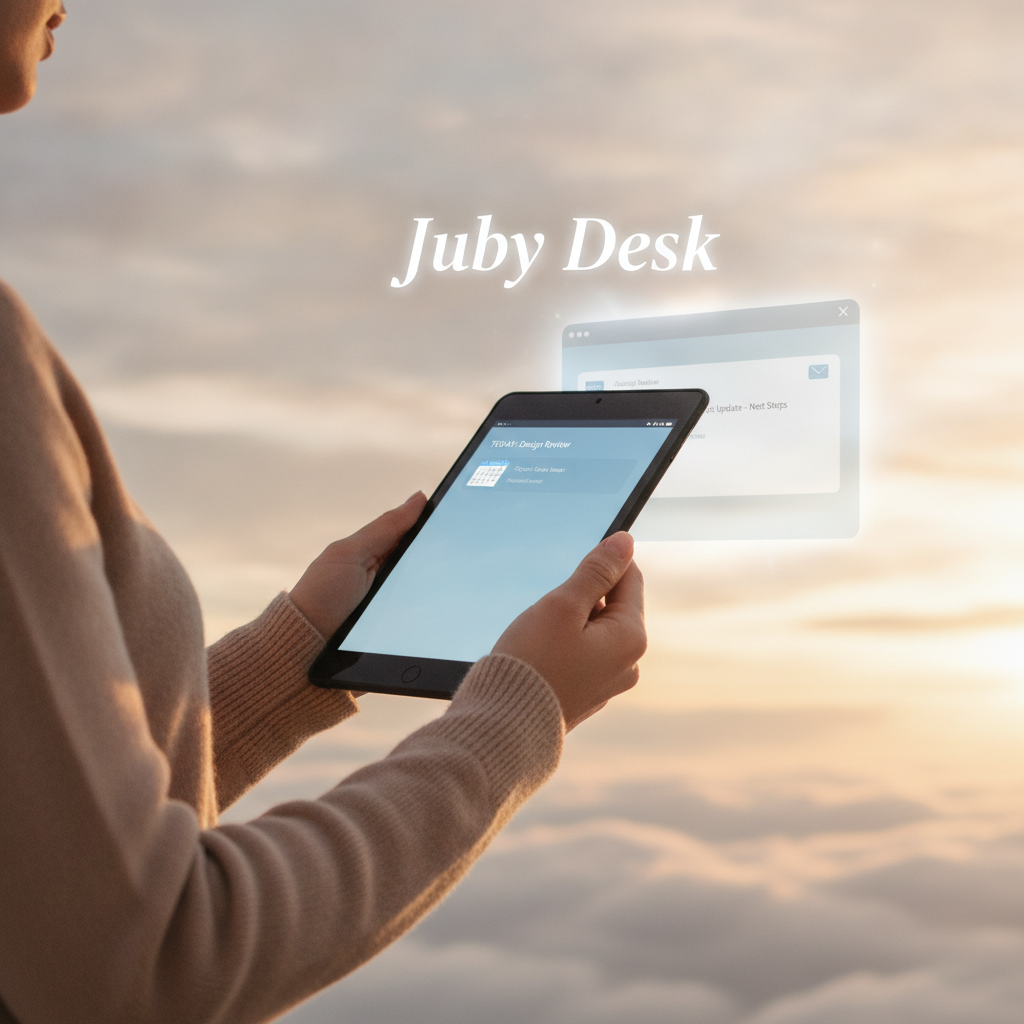
Your home computer is the Mac or PC in your house. JubyAI Desk is a separate, always-ready desk in the cloud for travel days, overnight drafts, and times that home computer is off. Device Agent covers the tablet; Desk covers overnight when the tablet is asleep.
- Away from home — help keeps going without that PC
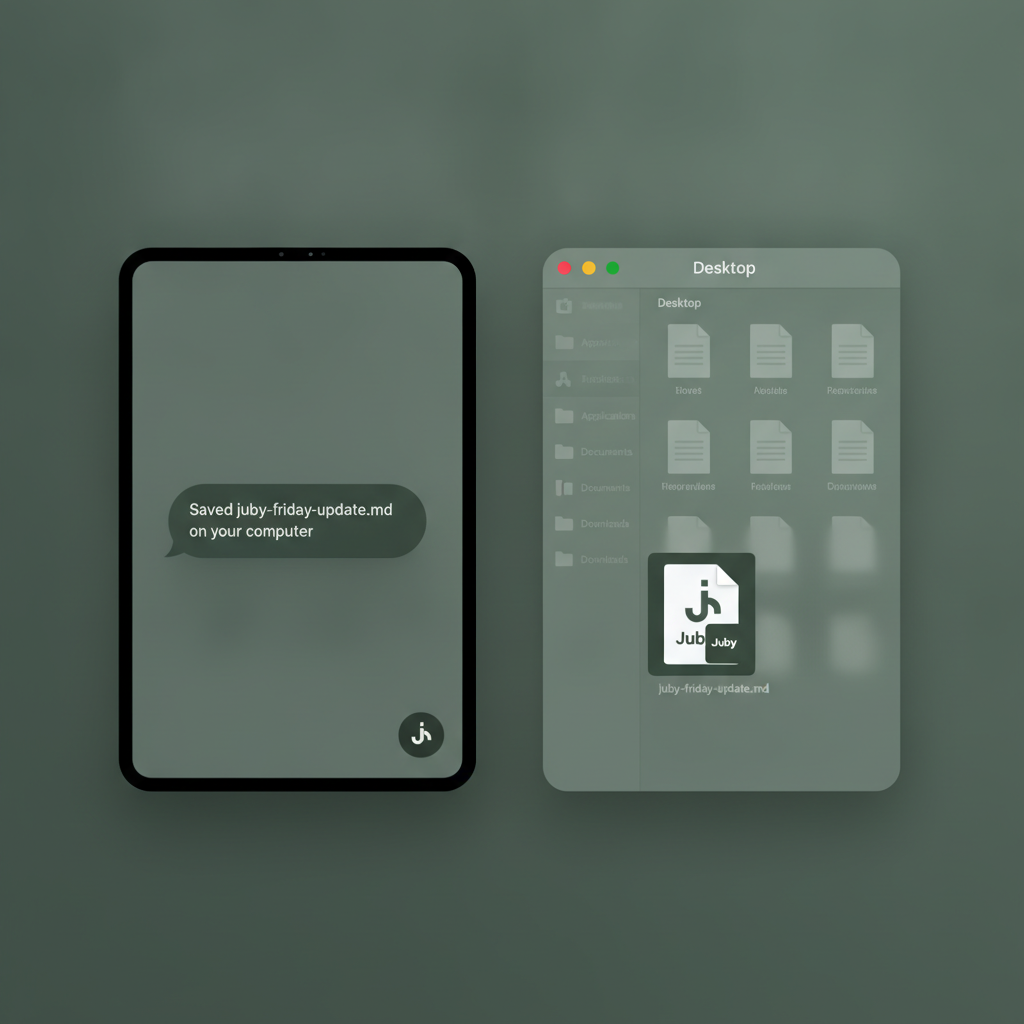
- Files when you ask — tidy a photo, finish a note, bring it back
- You’re still in charge — Allow before anything important
Get Juby
Start on your tablet
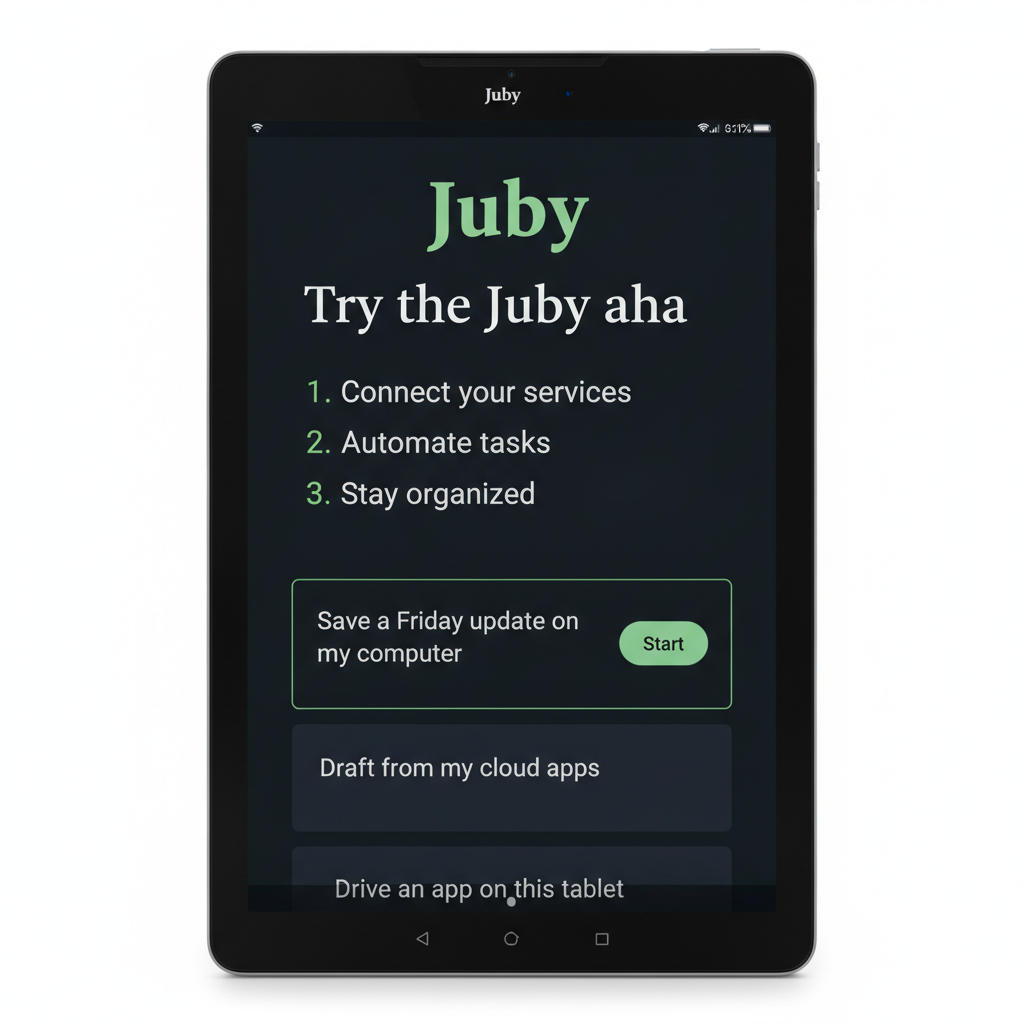
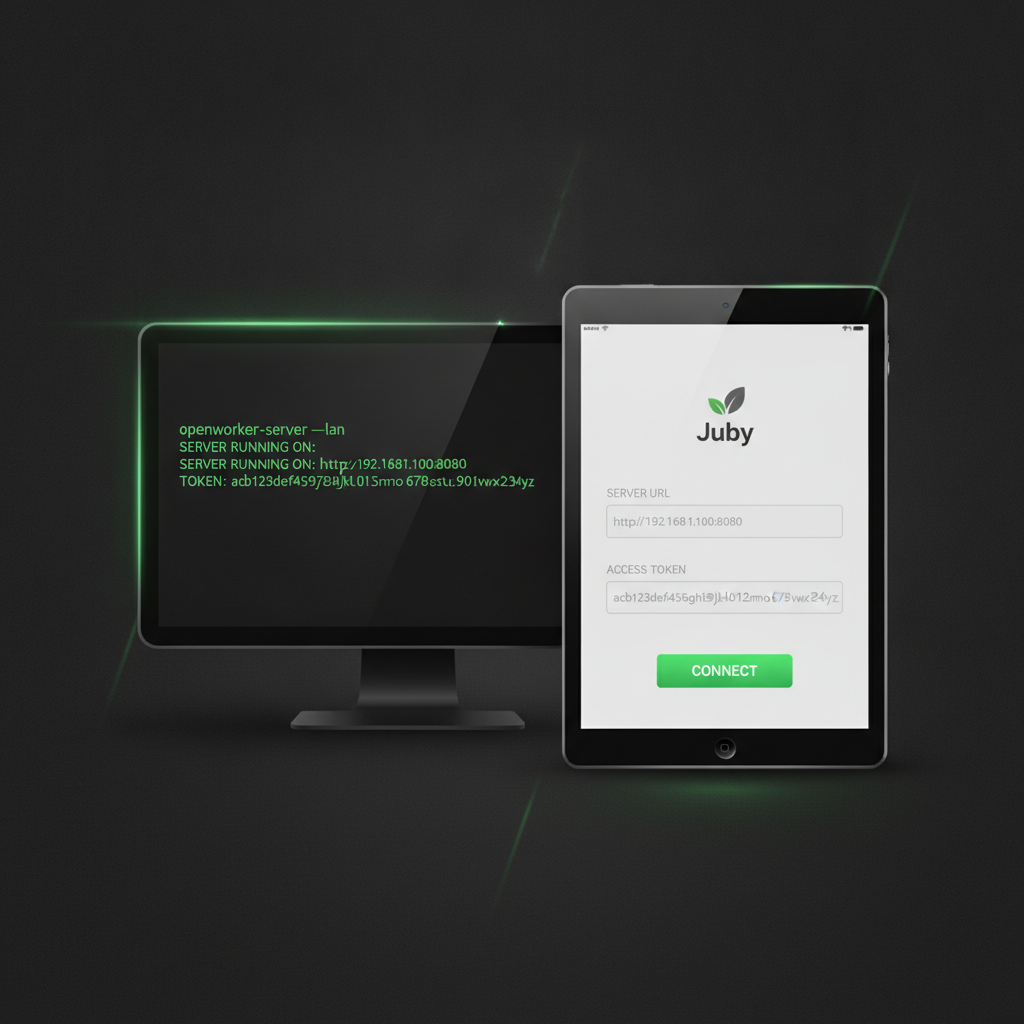
Install Juby on Fire HD or Samsung Galaxy Tab. Tap Start on this tablet — or connect Home / Plus / Desk when you want. Ask for something useful — type it, say it, snap a photo, or ask Alexa. Tap Allow when it matters.
Home
Free
Tablet + your home computer
Device Pro
$19–29/mo
On this tablet · local brain · messaging Allow
Plus
$29–39/mo
Juby Plus & connections
JubyAI Desk
$99–149/mo
Private cloud desk when you’re away